This is the third post in our series on Gesture Navigation. In this third post we’re going to cover how to handle any gesture conflicts, between your app and the new system gestures in Android 10.
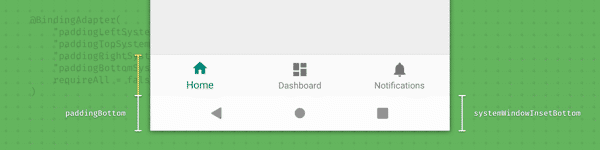
In part 1 of this series, we explored how you can make your app go ‘edge-to-edge’. Unfortunately this can result in some of your views being drawn behind the system bars, obscuring them from the user. This post explores how we can inset those views, moving them away from the system bars.
With Android 10, a new system navigation mode has been added, allowing the user to navigate back, navigate to the home screen, and trigger the device assistant via gestures.
Discover best practices for using Android Data Binding Library effectively, including avoiding excessive binding adapters and optimizing custom bindings for performance
Learn how to generate stable CI cache keys across multiple build files using checksums in CircleCI, eliminating the need for manually tracking each dependency file separately
Fix window insets handling during fragment transitions by manually dispatching insets to all children instead of letting ViewGroup stop at the first consumer
Master Fragment shared element transitions by using postponed transitions, reordering, and proper animation setup to create smooth UI transitions between fragments